How to Protect Your Laptop and Smartphone from Malware in Ghana – SafeNet GH
How to Protect Your Laptop and Smartphone from Malware in Ghana
Malware can steal passwords, personal data, and money.
Students and small business owners are common targets in Ghana.
1. Install Trusted Antivirus Software
Use apps like Avast, Kaspersky, or Bitdefender
Update virus definitions regularly
“/'“Internal link idea: Link “laptop & phone security” → Services page”/”
2. Keep Devices Updated
Update your operating system and apps
Many malware attacks exploit old software
3. Avoid Suspicious Links & Downloads
Never download cracked software
Don’t click unknown email or WhatsApp links
4. Use Strong Passwords & 2FA
Protect laptops and devices with strong passwords
Enable 2FA for apps and cloud backups
5. Avoid Public Wi-Fi for Sensitive Activities
Hackers can intercept data on public networks
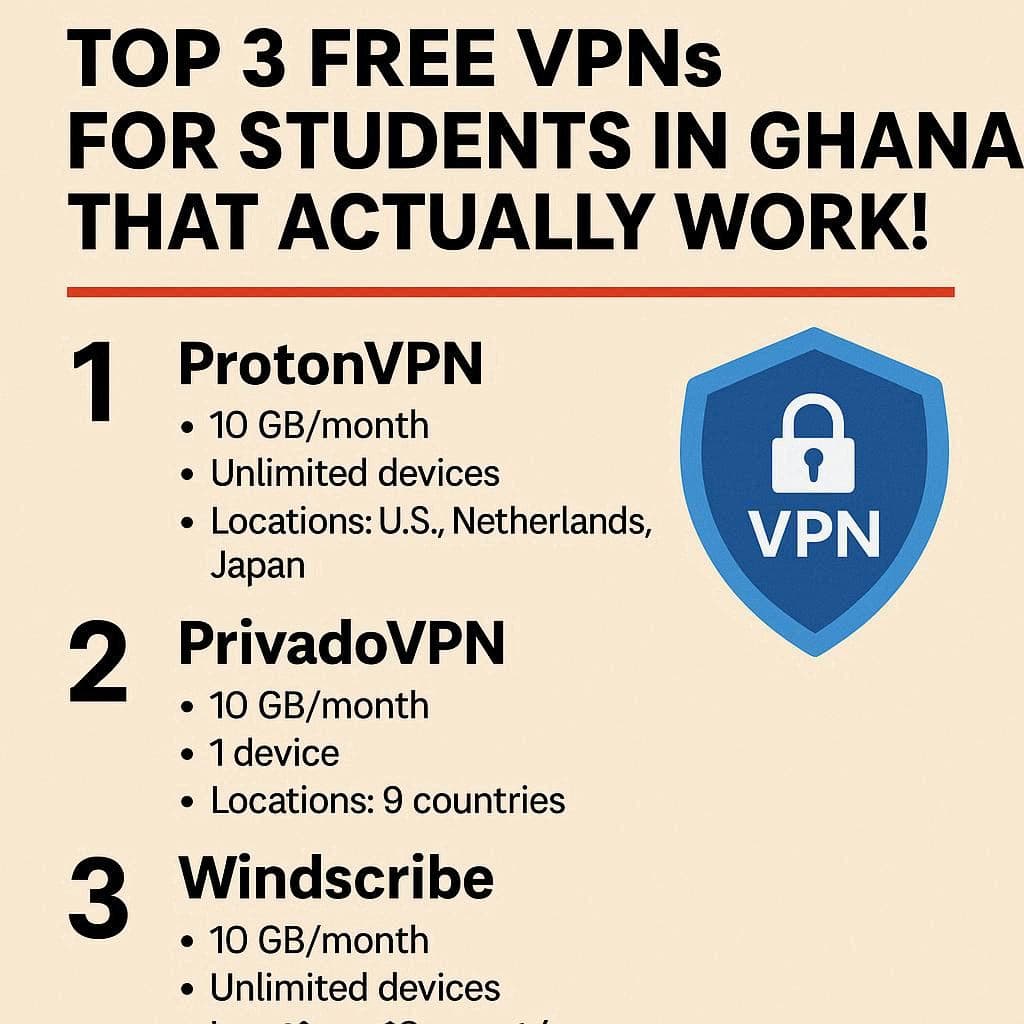
Use mobile data or VPN for banking and Gmail
Need Help Securing Your Devices?
I help students and small businesses in Ghana protect laptops and smartphones from malware and hacking.
👉 Click the WhatsApp button to schedule a device check today.